TextCanvas — ASCII / Unicode Art Studio
TextCanvas
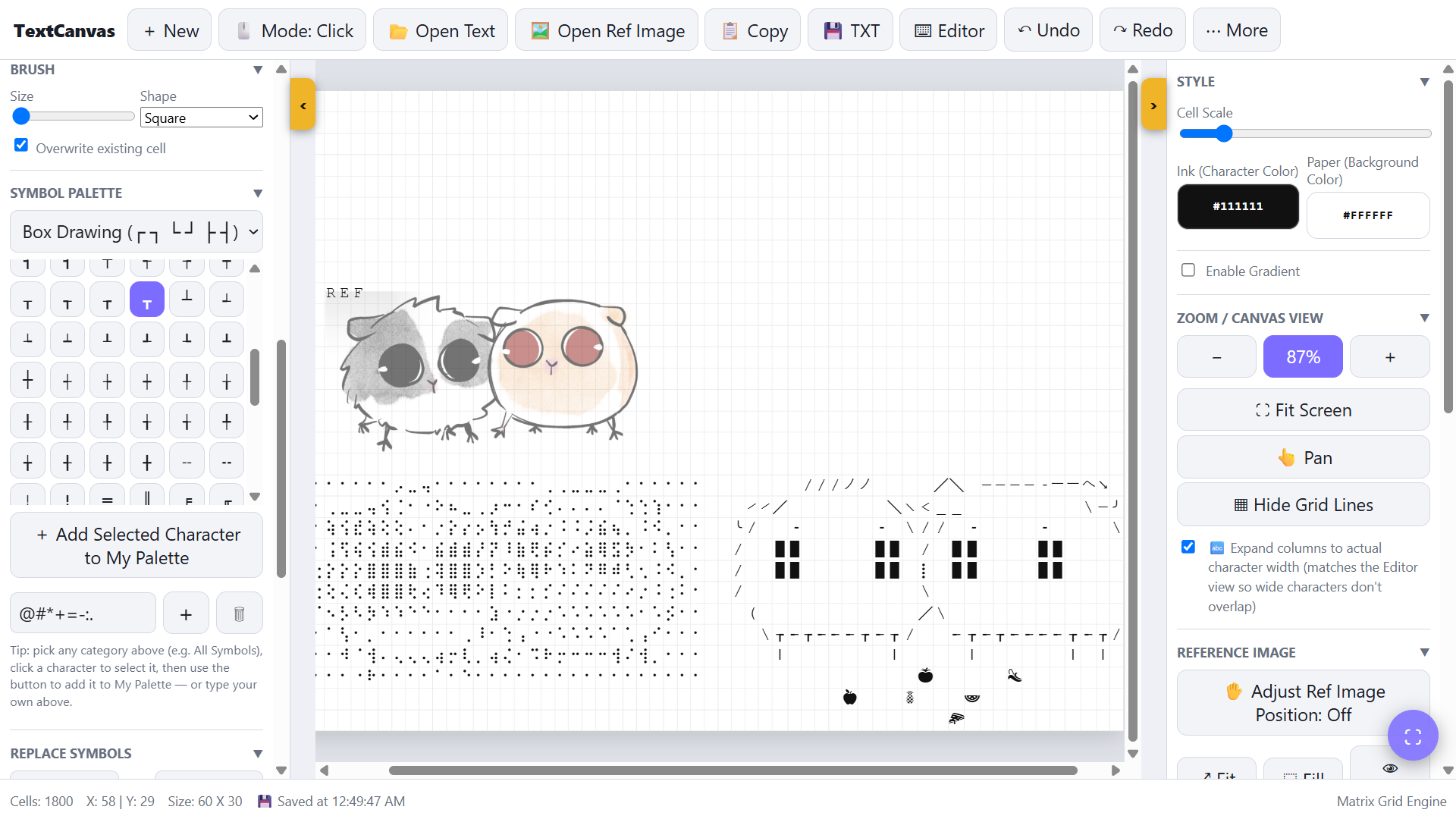
TextCanvas lets you draw pictures using characters instead of pixels from simple ASCII art to Unicode symbols, Braille, shapes, runes, and more.
⚠️ A few things to keep in mind
This is a small personal project, not a polished professional art program.
It was originally made for my own use for use on tablet, so there may still be bugs, strange behavior, or things that could be improved.
It is probably more useful for drawing something and exporting it as PNG/GIF than for being a full-featured text editor.
I'm not a programmer, so a significant part of the development process involved AI-assisted coding, debugging, and experimentation. The project was built through a lot of trial and error to make the tool behave the way I wanted.
~~~~~~~
✨ Features
✏️ Drawing
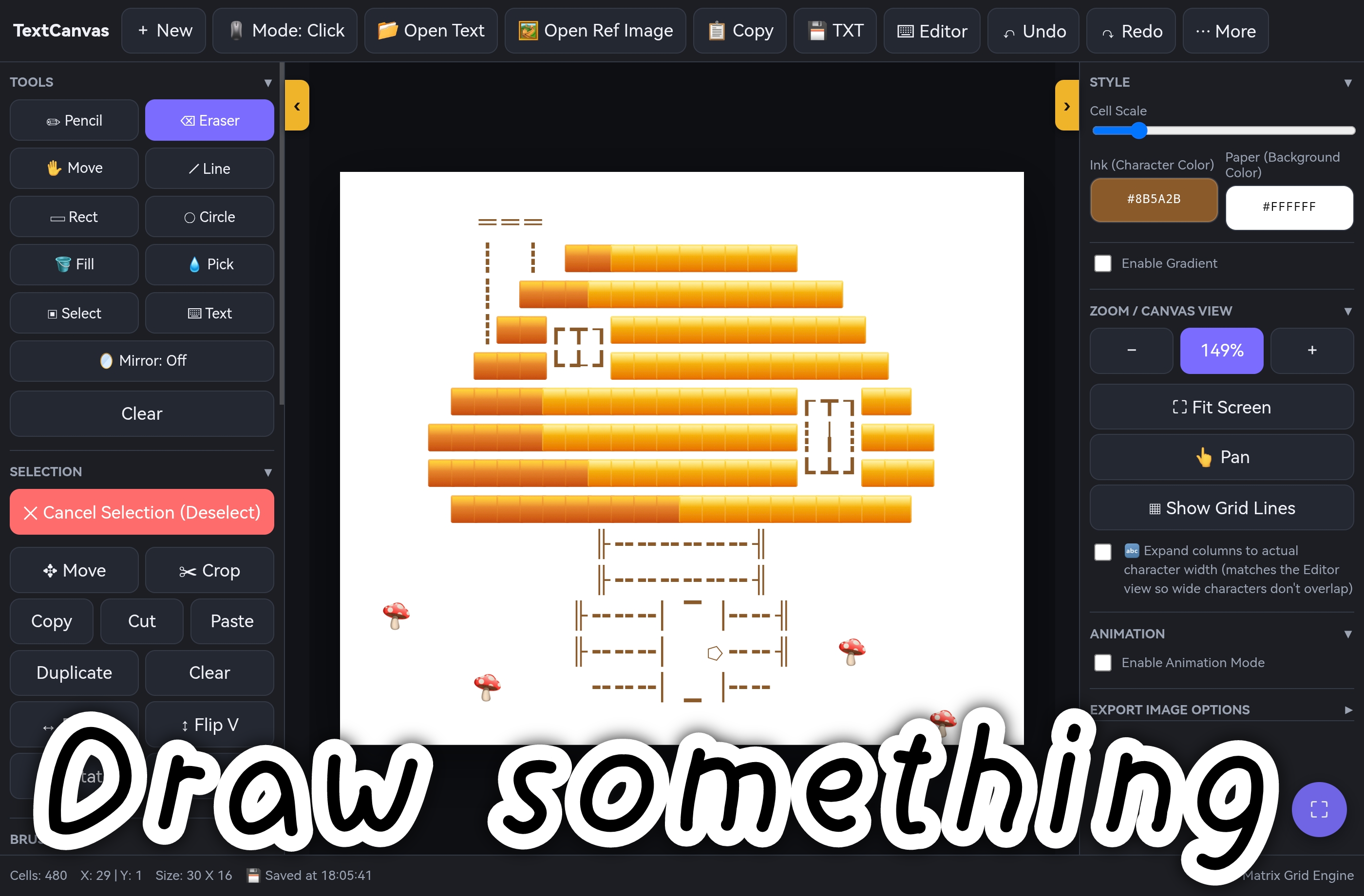
- 10 drawing tools: Pencil, Eraser, Line, Rect, Circle, Fill, Pick, Select, Text, Hand
- Adjustable brush size / shape (square, circle, plus)
- Mirror mode: left-right, top-bottom, or both
- Selection tools: copy, cut, paste, duplicate, flip, rotate, crop, fill
- Move tool for shifting the whole canvas
🌐 Symbol palettes
- Standard ASCII, Blocks & Shades, Box Drawing, Greek, Runes, Alchemy, Astrology, Chess, Music Notes, and more!
- Custom palette: build your own set of favorite characters
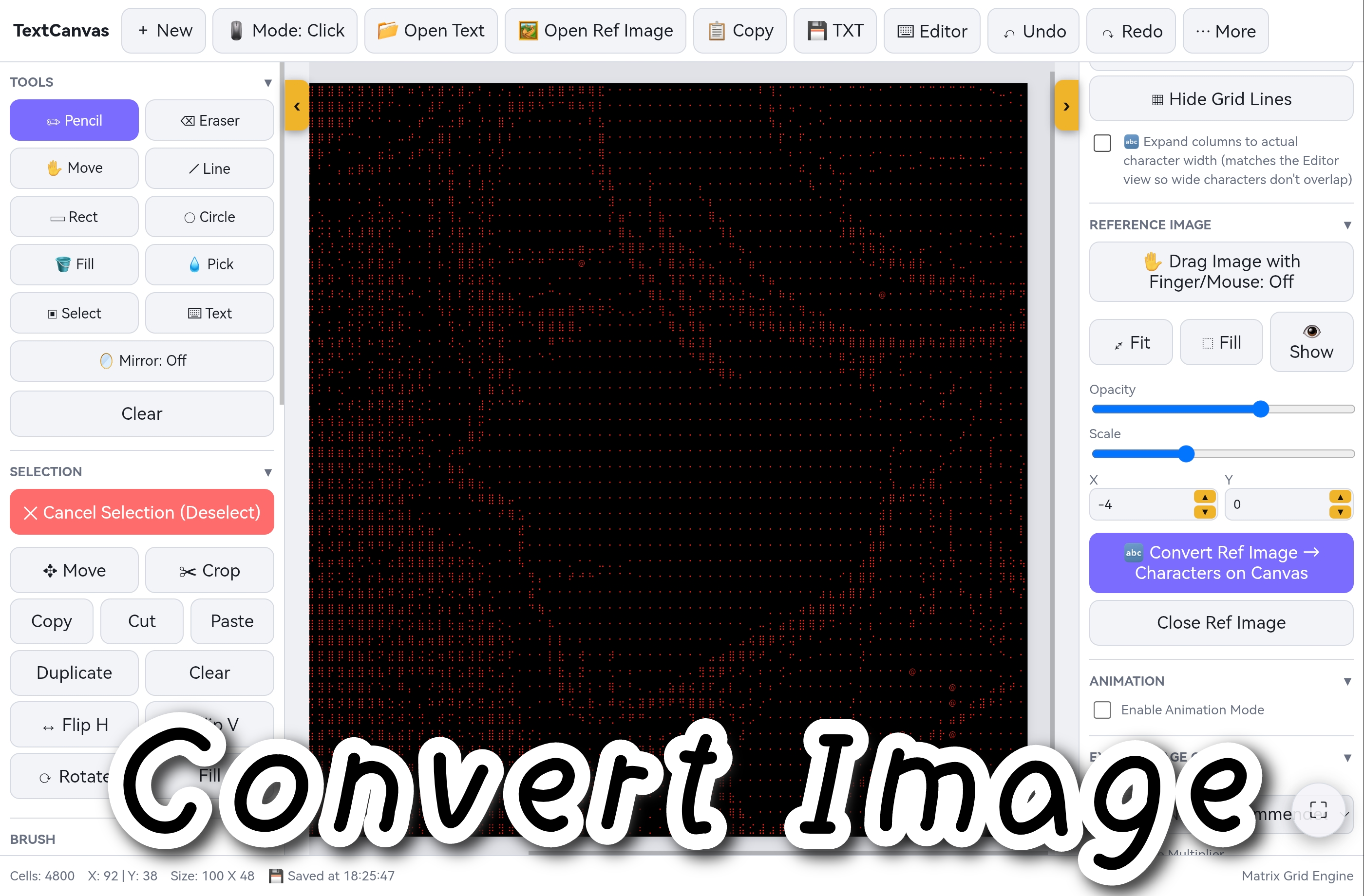
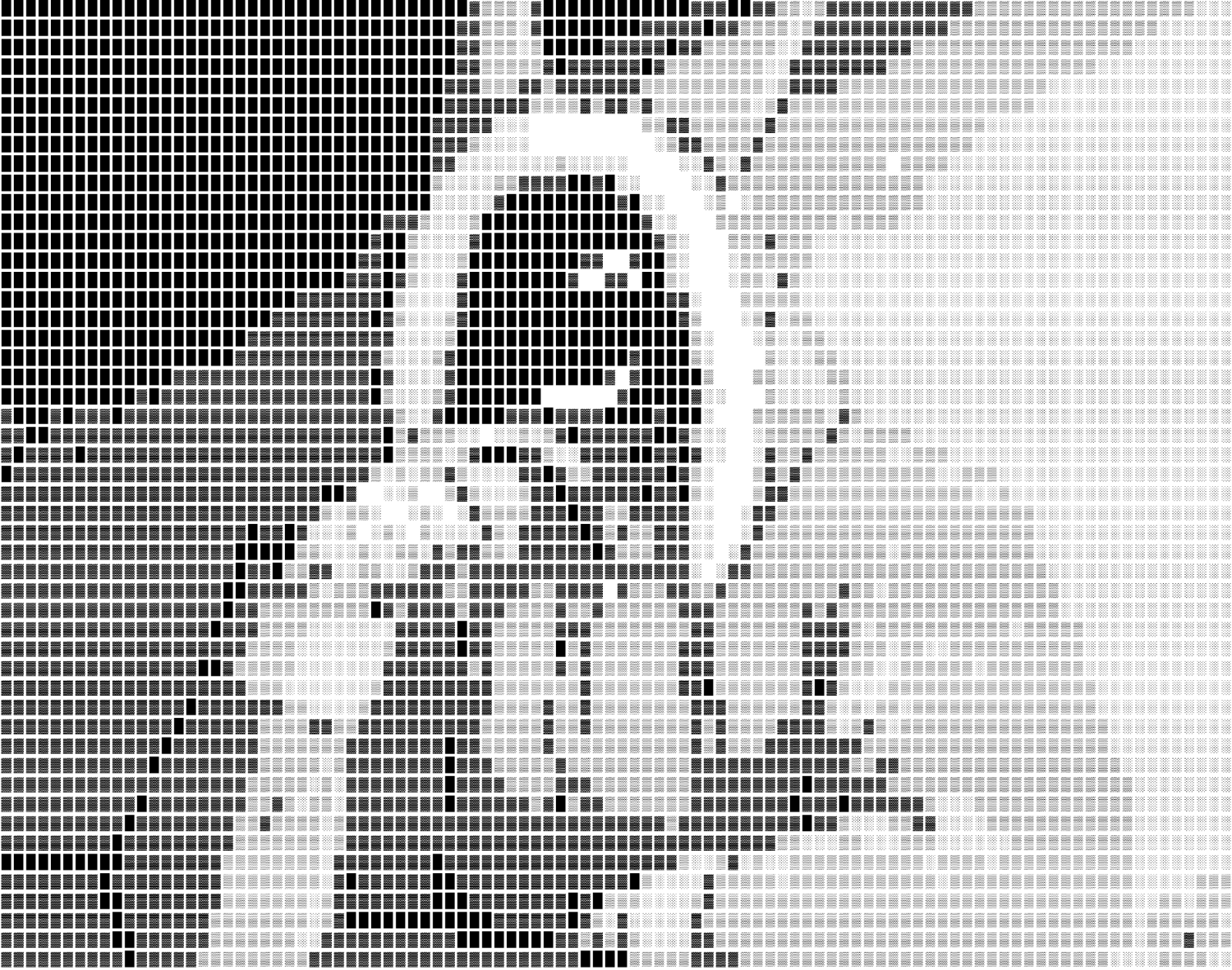
🖼️ Image → Text conversion
- ASCII art mode
- Braille mode
- Live preview with adjustable zoom
🎬 Animation
- Wiggle/Flicker: auto-generate frame 2 from a character pool or swap rules
- Motion presets: scroll, shift ping-pong, and rain
- Manual mode: draw up to 32 frames yourself + Onion Skin
- Playback preview at 1–15 FPS
- Export as GIF
🎨 Styling
- Ink & paper color pickers
- Gradient color across the canvas also baked into PNG/GIF exports
- Light / dark UI theme
- Auto-fit or free zoom
💾 Import & Export
- Export PNG at 1x / 2x / 4x scale, with or without grid
- Export GIF (animated)
- Export TXT
- Copy to clipboard in one click
- Import TXT and drag-and-drop text files
- Drag & drop images as reference overlay
📱 Works
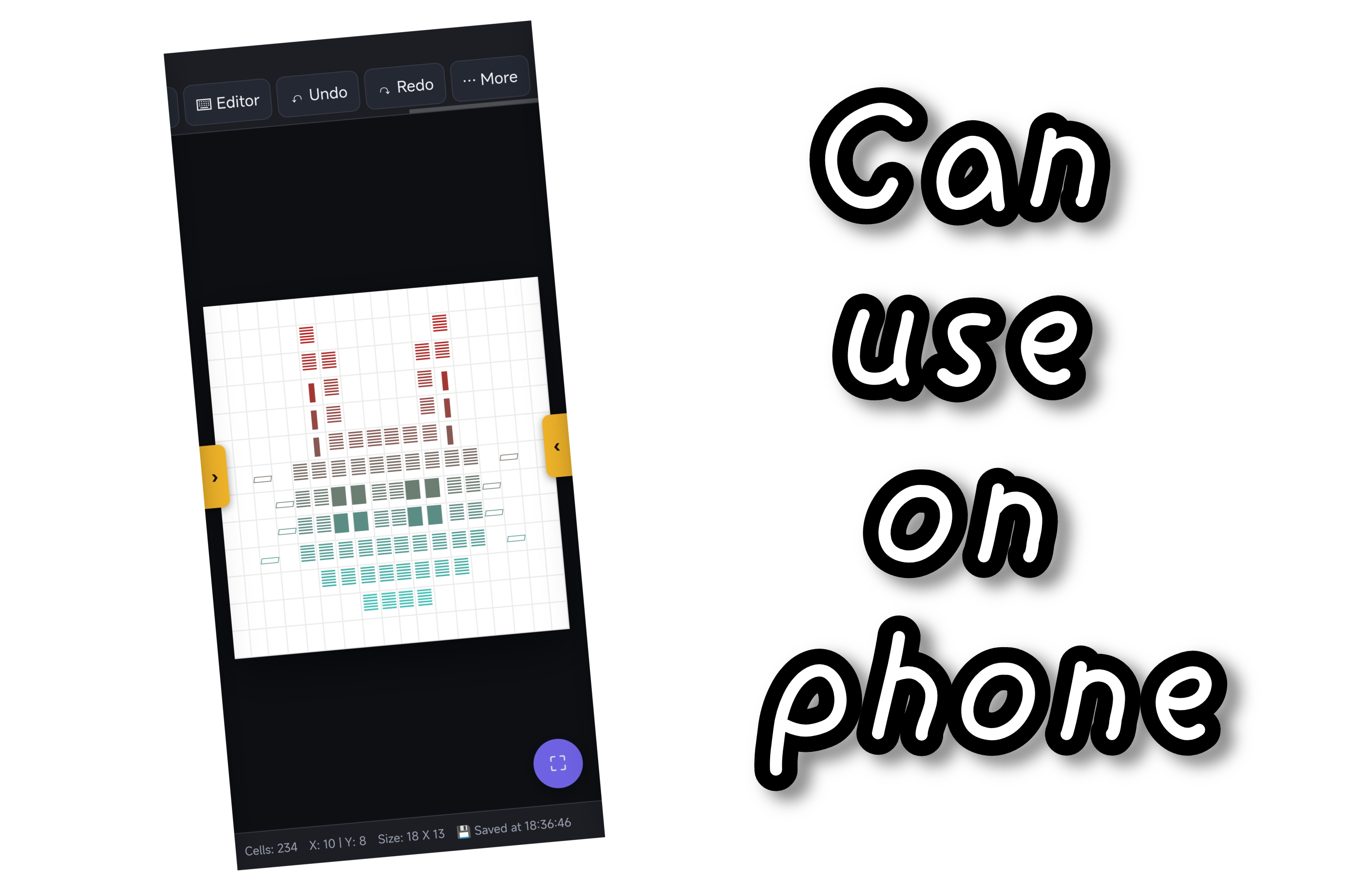
- Fully responsive: desktop, tablet, phone
- Touch-optimized: pinch to zoom, drag to pan
- Keyboard shortcuts
- Can use in Offline
- Auto-save to browser local storage
---
🚀 How to use
- Run tool (or download flie)
- Draw: pick a symbol from the palette, draw away
- Convert: open a reference image, tune the sliders, hit Convert → Canvas
- Animate: enable Animation Mode and pick a mode
- Export: PNG for stills, GIF for motio
If you make something cool, feel free to drop in the comments. Have fun! 🎉
~~~~~~~
⚠️ Why does copy-pasted ASCII look broken elsewhere?
ASCII Art is created under the assumption that every character has the same width. If the place you paste it into doesn't follow that assumption, the shape breaks instantly. There are two main causes...
1. The font isn't fixed-width (monospace)
In most regular fonts, characters have different widths — an "i" is much narrower than a "W". When ASCII Art is displayed in a font like this, rows that used to line up perfectly become jagged and misaligned.
→ TextCanvas's own canvas is already rendered in a monospace font from the start, so what you see while drawing matches the final result. But the destination you paste into (a caption, certain chats, etc.) also needs to use a monospace font for the shape to hold.
2. Lines longer than the display width → automatic line wrapping
If the posting area is narrower than the width of your art (characters per line), the system will automatically wrap the text to a new line, breaking the structure right away.
→ Before drawing, check how many characters per line your destination platform can display, and size your canvas accordingly. When creating a new file, TextCanvas offers ready-made presets (30×15 / 40×20 / 60×30 / 80×40 / 100×50), or you can set a custom size instead.
so if you copying it and seeing that it doesn't look like the original doesn't necessarily mean the ASCII Art is broken... the place you're pasting it may simply display it differently from where it was created.
-----
✅ How to paste it without it breaking
- Discord / GitHub / Reddit / most forums: wrap it in a code block (type ``` before and after the text) to force monospace rendering automatically
- General social platforms that don't support monospace (image captions, some chats): it's best to export as PNG (choose 1x/2x/4x, with or without grid lines) instead of pasting raw characters.
- always test-paste before posting for real, or checking in a text editor first.
~~~~~~~
⚠️ Credits
TextCanvas is based on and modified from ASCII Art Paint by Kirill Live.
- 🔗 [Original GitHub](https://github.com/Kirilllive/ASCII_Art_Paint)
- 📄 MIT License (https://github.com/Kirilllive/ASCII_Art_Paint/blob/main/LICENSE)
~~~~~~~
Download
Click download now to get access to the following files:
Leave a comment
Log in with itch.io to leave a comment.